Not every job ends with a technician standing next to the customer. Sometimes the customer has already left. Sometimes they want to pay their deductible or cash-only job before the tech even rolls out. Payment links solve for both.
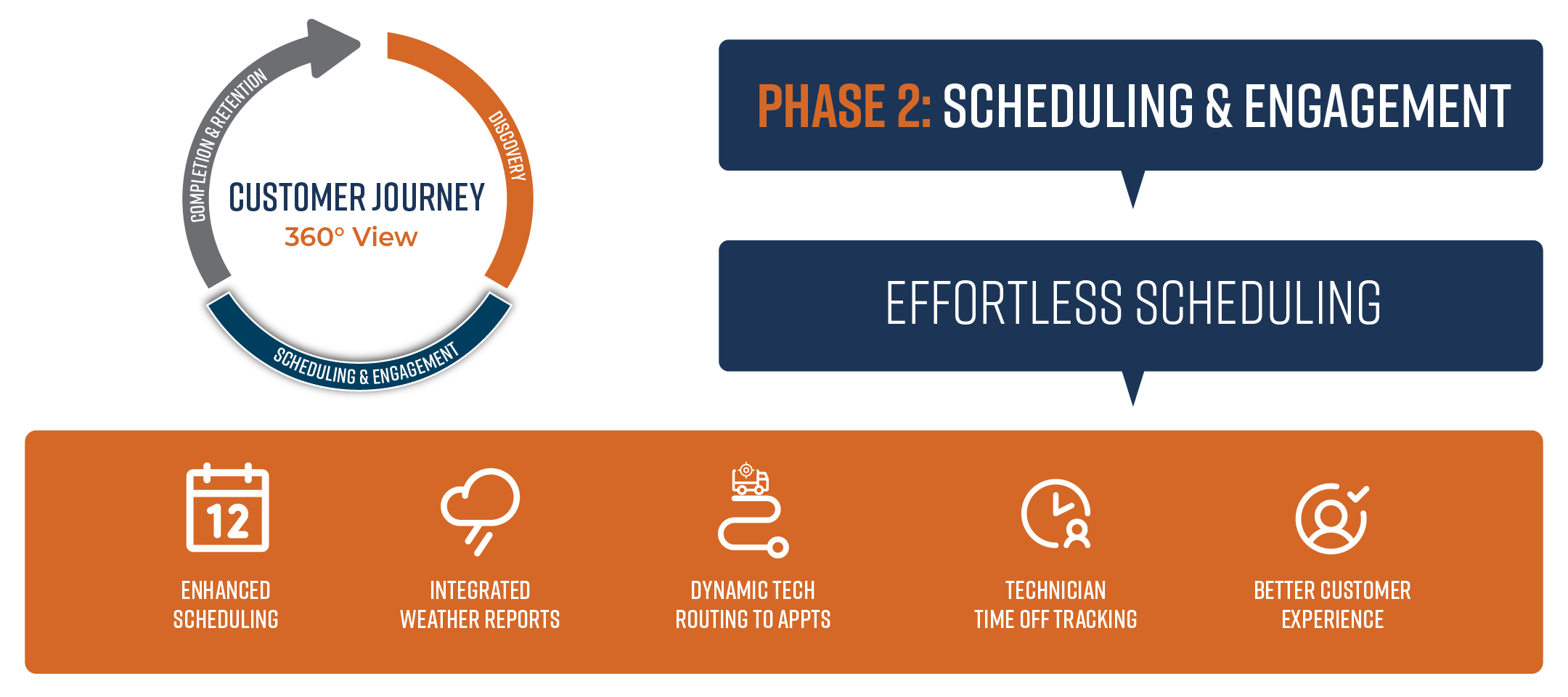
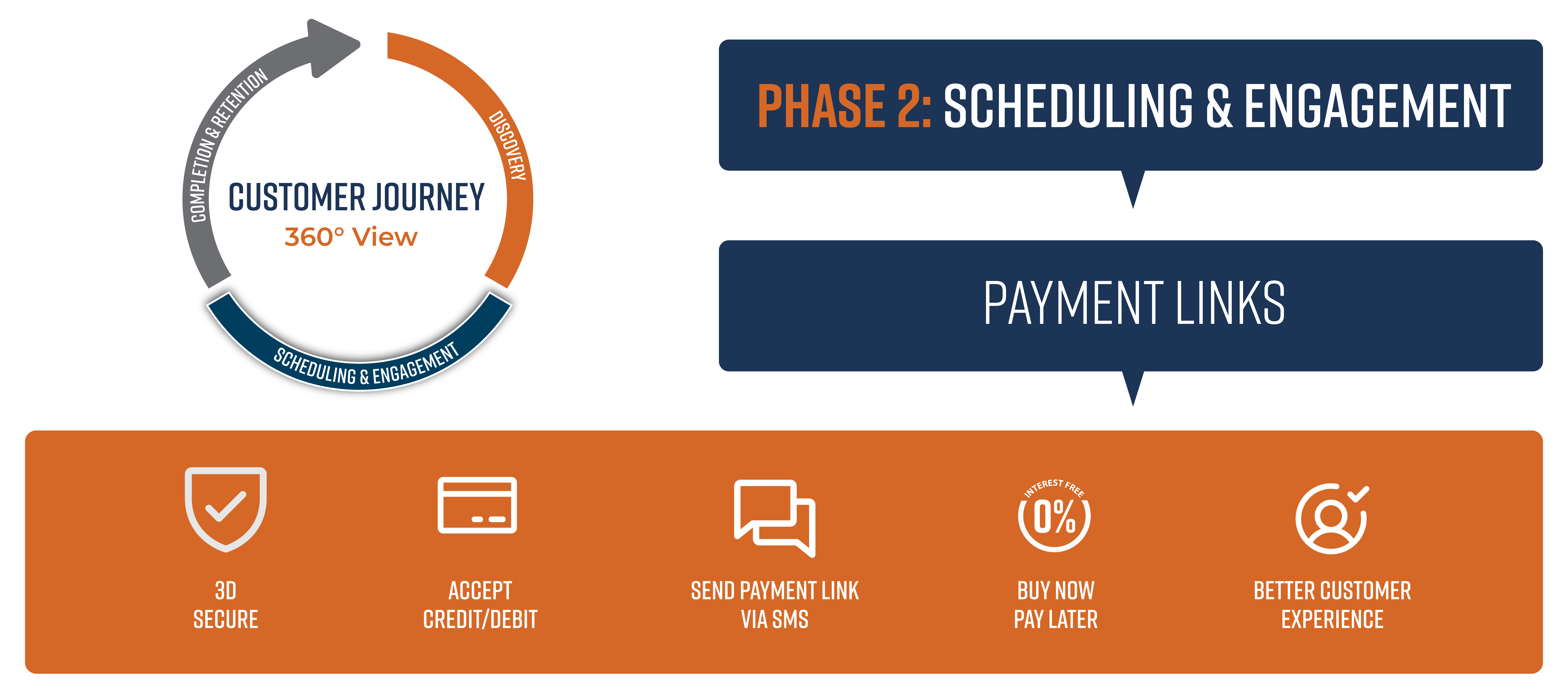
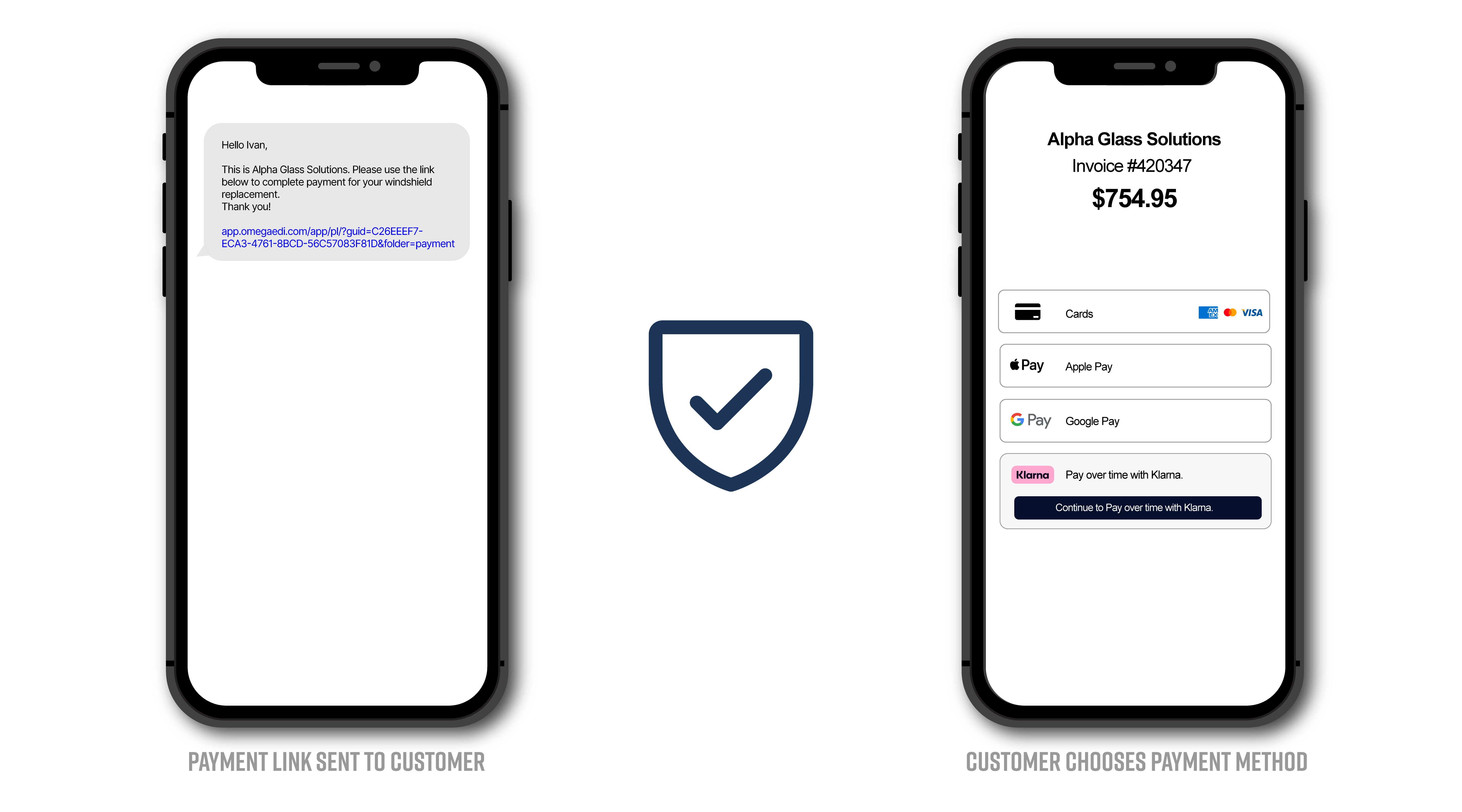
With OmegaPay, you can send a secure payment link via text or email directly from the work order. The customer clicks it, sees their invoice, and pays on their terms. Simple.
Why It Matters for Glass Shops
Chasing deductibles is one of the most common collection headaches in this industry. Payment links give customers a clean, low-friction way to pay from their phone. That also means less exposure to manual entry fraud and chargebacks.
What Customers Can Pay With
When a customer opens a payment link, they'll see their invoice total and all available payment options:
-
Credit or debit card
-
Apple Pay or Google Pay
-
Klarna (Pay in 4 financing, if enabled)
They pick what works for them. You get paid.
Built-in Fraud Protection
Payment links are card-not-present transactions, which typically carry more fraud risk than Tap to Pay. OmegaPay addresses this two ways.
First, every transaction runs through a sophisticated risk engine, which uses machine learning and global transaction data to flag suspicious activity in real time.
Second, if you have 3D Secure enabled, the customer's bank may step in to verify their identity before the payment goes through. Usually a one-time code, a push notification in their banking app, or a biometric prompt like Face ID. Most customers never notice it. For the ones who do get challenged, the extra step takes seconds. More importantly, a successful 3D Secure authentication shifts chargeback liability from your shop to the issuing bank. Based on real transaction data, that shift happens on more than 80% of 3DS challenged transactions.
When to Use Payment Links
Payment links are a good fit when:
-
A customer wants to pay their deductible or cash-only job before the appointment
-
The job is done but the customer is not present
-
You need to collect on a job remotely without calling a card in over the phone
-
The customer prefers financing through Klarna
See It in Action
If you want to see how payment links fit into your workflow, we're happy to walk you through it. Schedule a demo and we'll show you how shops are using it to collect faster and cut down on the manual entry headaches.

Related Posts