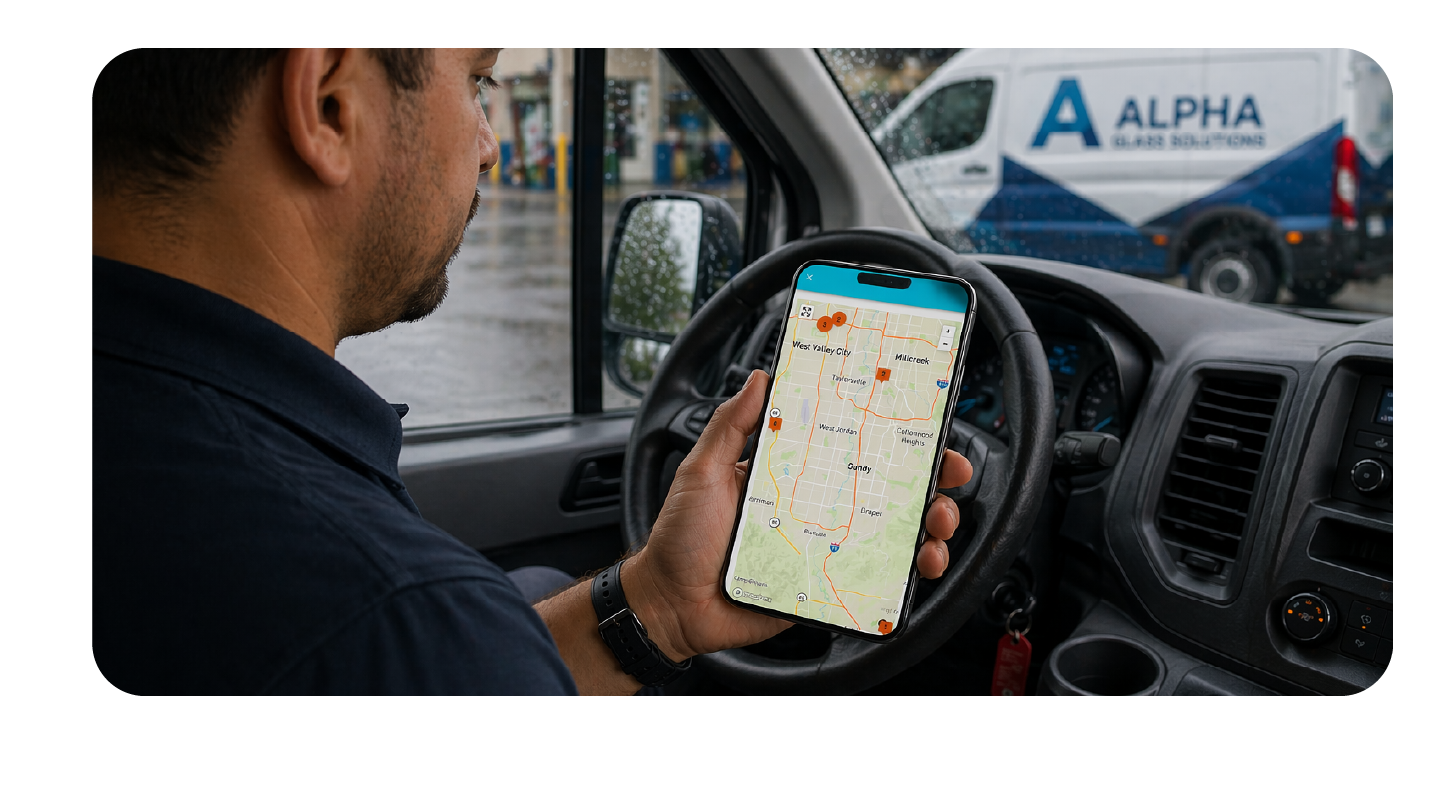
If you run a mobile operation, you already know this routine. The job is done. The install looks great. The customer is happy right up until the moment you ask for payment. Then comes the awkward pause. They don't have cash. You don't have a card reader. Your shop's payment link is buried in a text they saw but forgot about. And suddenly a clean job ends on a friction note.
It doesn't have to be that way.
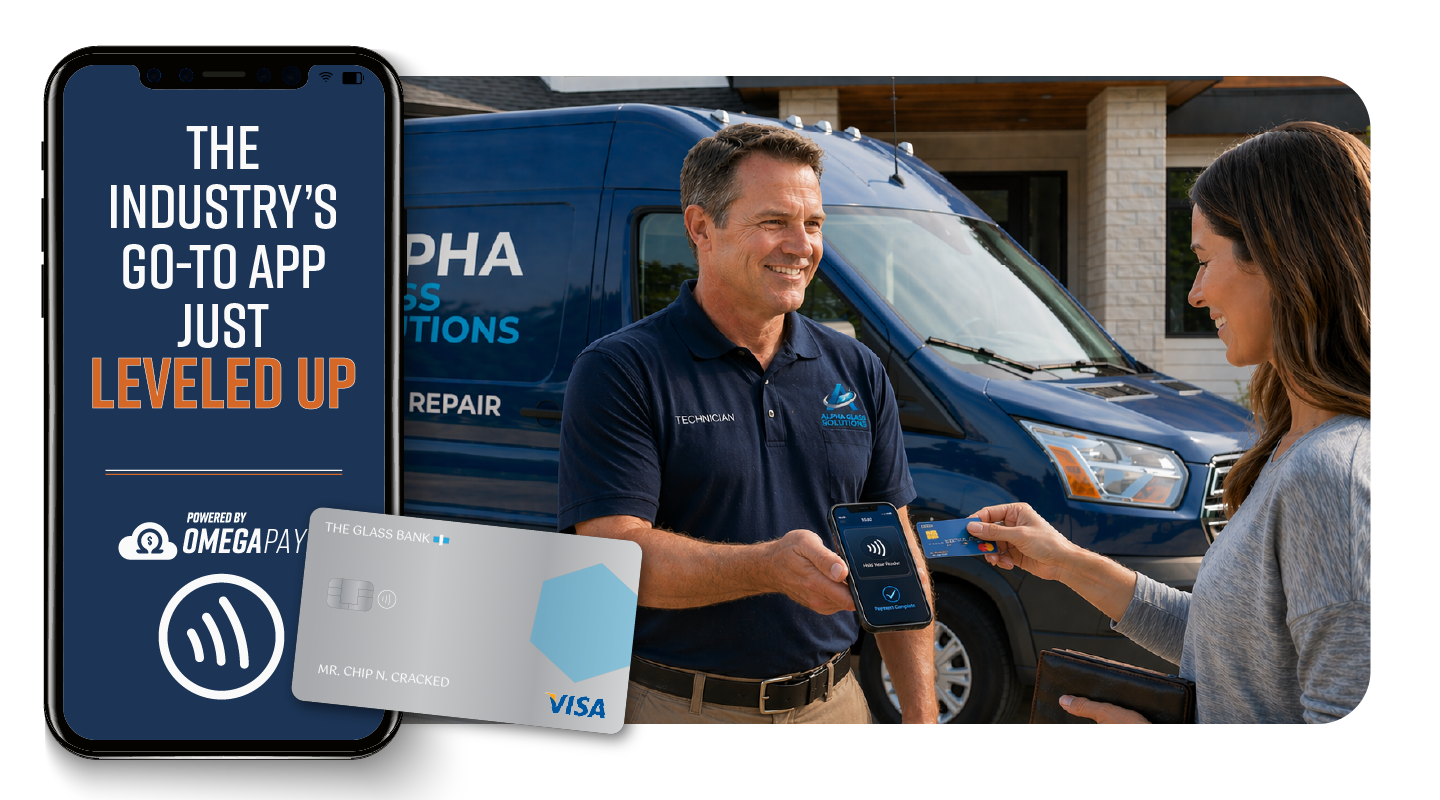
Omega EDI now supports Tap to Pay directly through the iOS and Android app, and it's changing how mobile techs close out jobs in the field. No card reader. No external hardware. No fumbling around. Just tap and go.
The Real Problem with Collecting Payment on the Road
Ask any mobile tech and they'll tell you: getting paid after the job can get awkward at times.
The core issue is that most payment tools weren't built with a technician in mind. Square and Stripe readers are fine for a storefront, but when you're on a residential driveway or a parking lot, you're at the mercy of whether you remembered to bring the reader, whether it's charged, and whether it's even paired to your phone.
Beyond the hardware headache, there's a workflow problem. If a customer's deductible is due at time of service, you need a way to collect it cleanly, professionally, and tied directly to the job record. A random card reader app that has nothing to do with your management software isn't going to cut it.
Here's what commonly goes wrong without a seamless in-field payment option:
-
Delayed collection. The tech leaves without payment, and now the shop has to chase the customer down. That's time, energy, and most of the time, lost revenue.
-
Cash-only awkwardness. Telling a customer you can only take cash on a $300 deductible doesn't exactly inspire confidence.
-
Hardware dependency. Forgot the reader? Left it at the shop? Dead battery? Now it's a problem.
-
Disconnected records. Collecting payment outside your system means someone back at the shop has to manually reconcile it later. That's how things fall through the cracks.
What Tap to Pay Actually Does
Tap to Pay uses the NFC (Near Field Communication) chip built into modern smartphones to accept contactless payments. The same technology that lets someone pay at a grocery store by tapping their phone on a terminal. That's what's now built into your Omega EDI app. The payment is captured, recorded, and tied directly to the job. No manual entry, no separate system, no reconciliation headache at the end of the day.
Why This Matters for Mobile Auto Glass
The auto glass industry is different from most service trades. A significant number of jobs are cash jobs; customers paying deductibles out of pocket, or retail customers who aren't going through insurance at all. For those jobs, collecting payment on-site is the expectation, not the exception.
Tap to Pay fits that reality because:
It's always with you. Your phone is already in your pocket. There's no separate device to track, charge, or replace.
It's professional. Contactless payments are the norm now. Offering Tap to Pay signals to customers that your operation is modern, which matters when you're trying to build a reputation and generate reviews.
It's fast. A contactless tap takes seconds. There's no swiping, no chip reader delays, no PIN entry for transactions under the contactless limit. The job wraps up cleanly, and the customer is on their way.
It's connected to your workflow. Because this lives inside the Omega EDI app and processes through OmegaPay, every transaction is automatically recorded against the job. Your office team sees it in real time. Your reporting is accurate. Your end of day reconciliation is simple.
Tap to Pay as Part of a Bigger Payment Strategy
Tap to Pay is one piece of what should be a flexible, multi-channel payment approach for auto glass shops. Not every customer is going to tap their phone at the job site. Some will want to pay before the tech even arrives. Others will want a payment link texted to them after the job. Some will use Buy Now Pay Later to spread out a big deductible.
The goal is to never let payment be the reason a job stalls or revenue is lost.
Omega EDI's payment suite is built around that idea. Secure online payment links, Apple Pay, Google Pay, BNPL through Klarna, and now Tap to Pay for field collection. All of it processes through OmegaPay and all of it ties back to your job records automatically.
For mobile operations especially, having Tap to Pay as an option means your techs are never left in an awkward spot at the end of a job. The tool is already in their hands, literally.
Getting Started
Tap to Pay is available now on the Omega EDI iOS and Android apps. If you're already using OmegaPay as your payment processor, the feature is ready to go. No additional hardware required, just download the app in the iOS App Store or Google Play.
If you haven't set up OmegaPay yet or want to walk through how Tap to Pay fits into your current workflow, Schedule a demo to see how Tap to Pay and OmegaPay fit into your shop's workflow.
Your techs are already doing the hard part. Getting paid at the end of a job shouldn't be complicated.

Related Posts